As an Amazon Associate we earn from qualifying purchases.
The short answer
Choose a replaceable-battery opener if you want to restore power without waiting for a charge. The first thing to check is the battery door, because it is the part you will have to open when the tool stops being convenient. Then look up how the cutter stops. A tool that starts with one press can still require you to stay beside the can and press again. Those two details tell you more about everyday use than the word cordless on the box.
Start with the battery door
Think about how you change batteries in a remote control. You may brace it on a table and slide the cover with a thumb, or you may turn it over and find a small catch with a fingernail. Neither motion feels the same on every tool. An opener can have a large start button and still have a cover that is awkward for you to release. Look at the underside of the tool in the instructions. Decide where you would place it while opening the compartment and whether you can grip the cover without pressing against the cutting head.
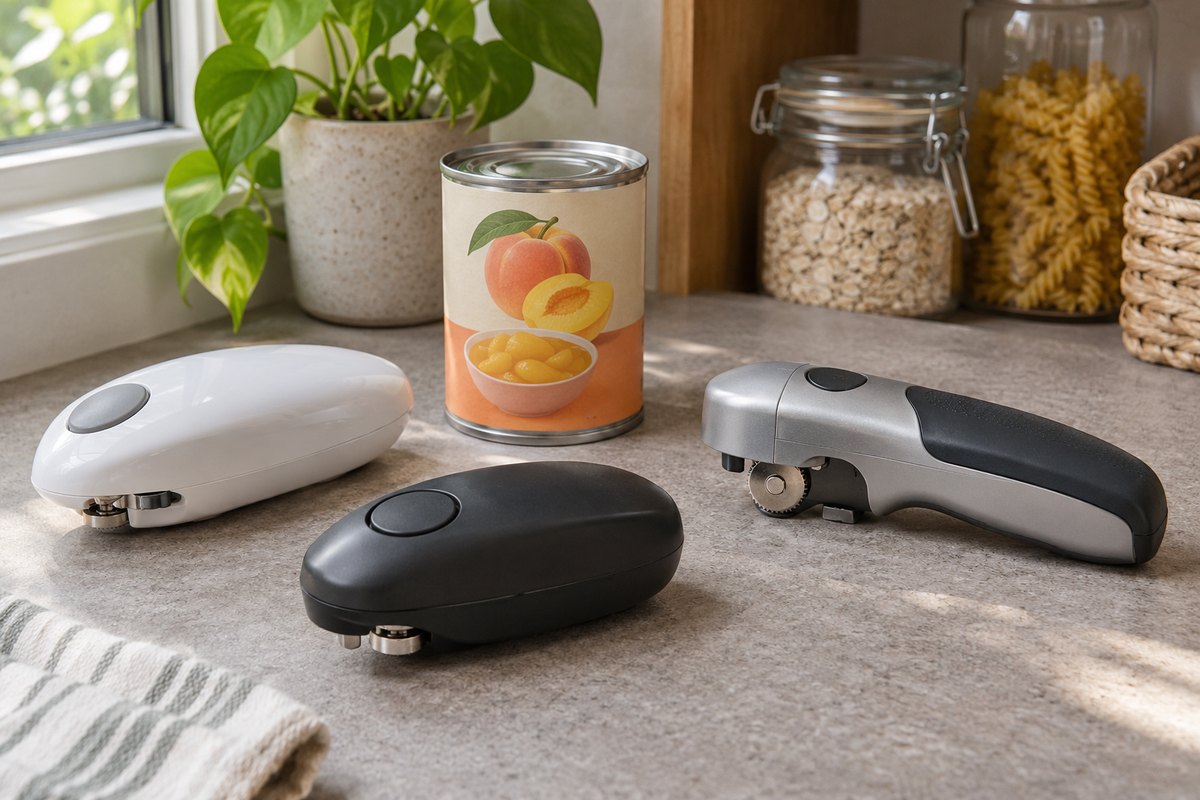
Count the batteries in one complete set. The original Kitchen Mama Auto and the Auto 2.0 both call for four AA alkaline batteries. If you already keep AA cells in the kitchen, those models can fit your routine, but you still need enough matching cells for the change. Keep a spare set in its packaging or a battery case, separate from loose metal items. Follow the manufacturer instructions for the battery chemistry and orientation. Do not assume that a model accepts a rechargeable cell simply because that cell is the same shape.
The lid and battery door get handled at different times. You might open a can every day but change the cells only occasionally. Someone who can easily place the cutter but struggles with a battery cover may prefer to get help with the infrequent change. If changing cells independently matters to you, make the door part of your purchase decision. Our cordless and corded comparison explains what you gain by keeping the power supply on the counter instead.
Shortlist by mechanism, not by color
The red Auto and sky-blue Auto are two catalog choices from the same series. Treat color as a visibility or storage preference. The Auto 2.0 changes the published blade design and supported can shapes; it does not change the four-AA requirement or the separate start and stop presses. If your normal tins already fit the original Auto, the newer name alone gives you little reason to change your battery setup.
| Model | Power | Difference |
|---|---|---|
| Auto red | 4 AA alkaline | Original blade and two presses |
| Auto sky blue | 4 AA alkaline | Same series in a lighter color |
| Auto 2.0 navy | 4 AA alkaline | Revised blade and more listed can shapes |
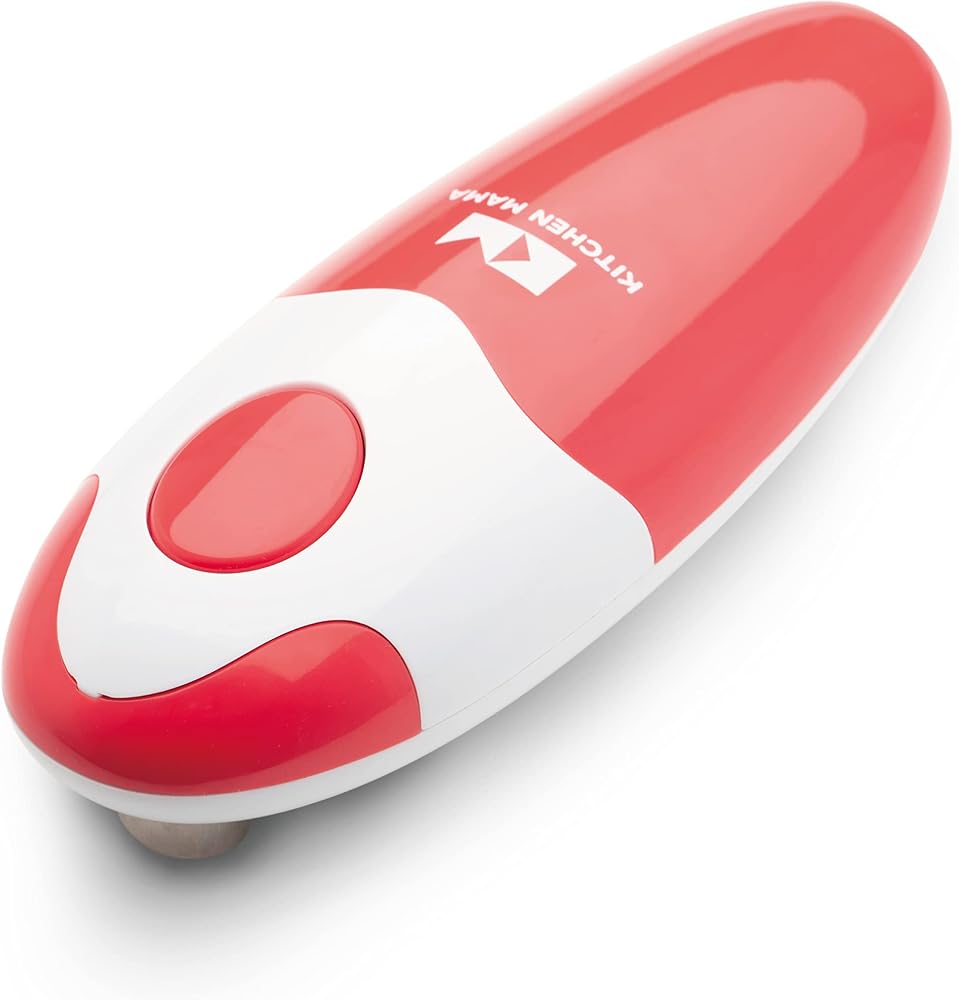
Original Auto, red: Kitchen Mama Auto Electric Can Opener Battery Operated Red
A replaceable-cell handheld model. The manufacturer specifies four AA alkaline cells. Use the instructions to align it and press the button again when the cut is complete.
View on Amazon (opens in a new tab)
Original Auto, sky blue: Kitchen Mama Auto Electric Can Opener Battery Operated Sky Blue
A color choice within the original Auto line, not a second mechanism. Compare exact listing and availability if the lighter color makes the tool easier to spot in your drawer.
View on Amazon (opens in a new tab)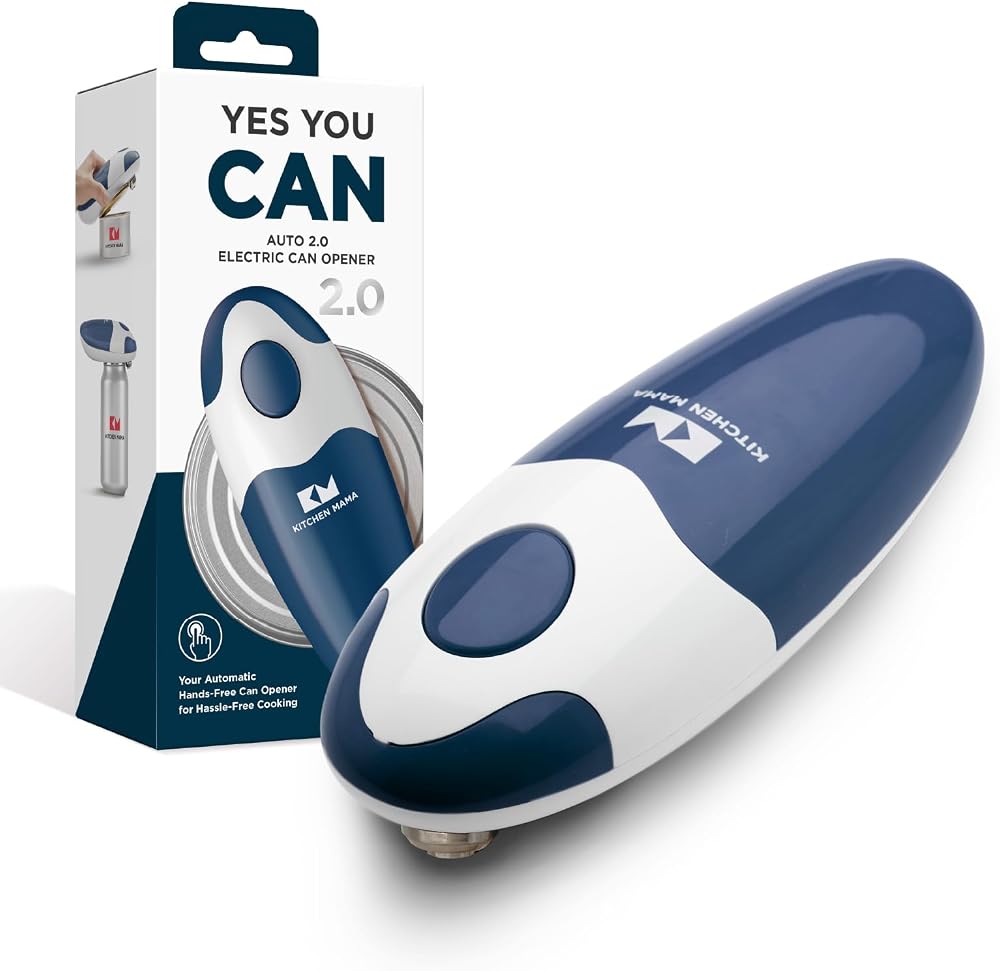
Auto 2.0, navy: Kitchen Mama Auto 2.0 Electric Can Opener Cordless Navy Blue
The manufacturer lists a revised blade for more can shapes. It still requires four AA alkaline cells and a second press to stop. Check your exact rim before paying for the change.
View on Amazon (opens in a new tab)- Manufacturer comparison of Auto, Auto 2.0 and rechargeable Orbit One.
- Auto 2.0 power and controls.
- Manufacturer support and manuals.
What to do if power drops during a cut
If a can stops turning, first look for the instructions that cover stopping and releasing the model. Do not pull the housing hard against a partly cut lid or reach underneath it while the cutter can move. Leave the can upright on the worktop and keep fingers outside the rim. A dead or weak battery is one possible explanation. A dented, incompatible or poorly aligned rim can produce a similar interruption. Look at what happened and follow the manufacturer's instructions for the exact cause you suspect.
After you have released the tool according to those directions, check whether the same issue happens on a fresh, compatible tin with the specified batteries. If the same model struggles only on a particular shape, make that distinction before buying more cells. If it happens on several cans, look for the maker's cleaning and inspection steps. See why an electric opener can slow down and how to check rim grip for the two different problems.
Plan for a stalled tool if you use it as your only opener. A basic manual tool in a second drawer can be useful if you can operate it comfortably on a fresh can. If hand cranking is not practical, choose a backup meal that uses an easy-open package instead. Once a can is partly cut, avoid making it the test case for a second unfamiliar mechanism. The mid-cut trouble guide covers what to do when the tool or lid cannot be handled safely.
Replaceable cells, built-in charge, or plug-in
An opener with replaceable cells makes sense when you can keep spares at hand. A rechargeable design can fit a kitchen where the tool already has a convenient charging spot and the cord is easy to connect. Check that the manufacturer calls the exact product rechargeable. Kitchen Mama lists the Orbit One separately from the Auto series. A cordless Auto is powered by removable batteries. The difference is important for someone choosing the tool to avoid opening battery doors.
Think about how often you need the tool and where it waits between uses. For a drawer used by several cooks, put the instructions and spare batteries where the next person will find them. If a powered model is kept in an RV that sits unused for weeks, check its storage directions before leaving cells inside. Our camping and RV guide discusses where a manual backup can be more useful than a second electrical device.
Before choosing an opener for one-handed use, connect the power question with the rest of the task. Do you need to be able to restore power without help, or is the everyday priority getting a can open with one hand? A model can be practical in one respect and awkward in the other. The one-handed can opener guide breaks down positioning, starting, stopping and taking away the lid. When you read a product manual, follow that sequence before you get to the battery replacement page. It helps you decide where the biggest difference will show up in your kitchen.
Do a storage check before you shop. Find a clear space for the opener where the button will not be pressed by another utensil. Leave room to pick it up without touching the cutting assembly, and decide whether there is a separate place for spare batteries. A drawer can hold the body and still make it hard to retrieve when you need it. If the only convenient place is beside the sink, consider a dry shelf instead. Keep the exact model number where you can find it later, since the original and revised versions can look similar from above.
A difference in battery runtime is worth paying for only if you can compare it on a useful basis. A claim about dozens of cans tells you little if the manufacturer does not specify battery type or can size. If power availability is important, count the number of plain-lid tins you expect to open between shopping trips. Someone who opens one tin of tomatoes a week has a different reason to keep spares than someone who prepares several tins at a time. On a long trip, an alternate meal also covers a jammed cutter or an incompatible rim, which fresh cells cannot fix.
Frequently asked questions
Is Auto 2.0 rechargeable?
The manufacturer specifies four AA alkaline cells. Orbit One is listed separately as rechargeable.
Does the original Auto stop itself?
Its manufacturer directions describe a second press to stop. Verify the instructions if your model uses a different name.
Should I change batteries if the cutter stops on one can?
Follow the release instructions first. Then check rim compatibility and battery condition separately.
Which color is easier to operate?
The original Auto colors share a series. Use the photos to judge button contrast and how easily you can spot the tool in storage.
Can I wash a cordless opener under the tap?
Follow the cleaning instructions for the specific model. Keep water away from parts the manual does not identify as washable.
Our verdict
Buy the standard Auto if your usual can rims fit it and you can manage the four-cell door and stop button. Consider the Auto 2.0 when your usual cans match the additional shapes the maker describes. Choose a different power system if the compartment is the part you cannot comfortably use. Those decisions remain useful even when stores change prices or add new colors.