As an Amazon Associate we earn from qualifying purchases.
The short answer
Keep the original Kitchen Mama Auto if it already opens the round tins you buy. The Auto 2.0 adds a revised blade for more can shapes and a feature to help lift a sticky lid. Both models take four AA alkaline batteries and need a second press to stop. If automatic stop, USB-C charging or documented #10 compatibility is what you want, compare Orbit One. The newer Auto name does not give you those changes.
What the 2.0 blade changes
Kitchen Mama says the original Auto does not work with soda cans that have sloped edges. The Auto 2.0 product page identifies soda cans among the additional types supported by its redesigned blade. If that is why you are shopping, use the actual can you intend to open as your reference. A beverage can with a sloping top and another oddly shaped container are not necessarily equivalent. Look at the maker's guidance for the exact shape instead of treating a broader range as universal fit.
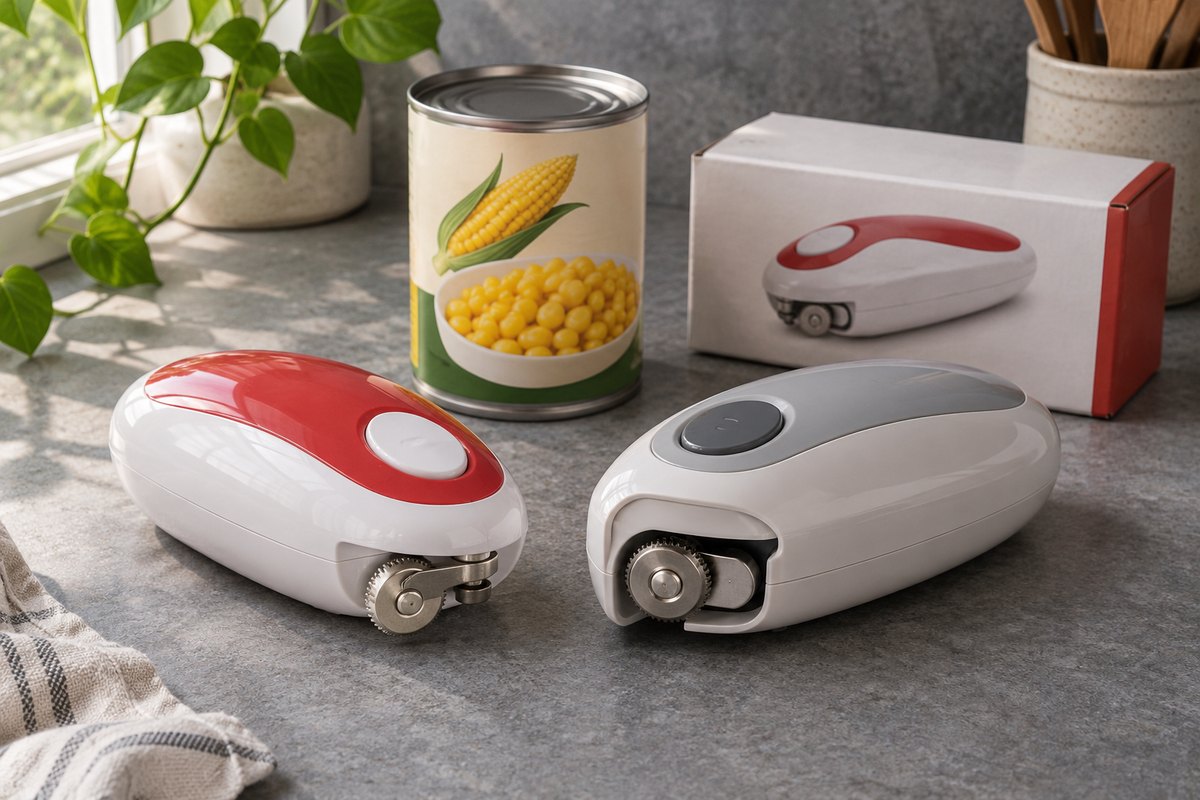
If you mainly open regular round tins of beans, tomatoes or soup, the most useful test is whether the original tool seats and completes its normal cut on those specific rims. If it already does, there is little reason to replace it solely for a broader blade description. If it has suddenly started slipping on a can it used to open, first check the can and the tool. Our rim-grip guide separates a new can shape from placement, power and wear.
The 2.0 listing describes a way to lift vacuum-sealed or sticky lids after opening. That feature may be relevant if your current tool separates the rim but you still have trouble moving the lid away. Check the instruction illustration for the removal part. A new blade changes what the wheel can seat on. A lid-removal feature changes what you do afterward. Those benefits solve different problems, so compare the feature that applies to the cans and hand movements in your kitchen.
| Model | Power and stop | Documented difference |
|---|---|---|
| Original Auto | 4 AA alkaline; second press to stop | Original cutter; maker excludes sloped-edge soda cans |
| Auto 2.0 | 4 AA alkaline; second press to stop | Revised blade and sticky-lid removal feature |
| Orbit One | USB-C charging; automatic stop | Separate rechargeable design with #10 compatibility |
Three model listings compared
The cards below use the manufacturer's public descriptions and model documentation. We did not run a side-by-side performance test or measure motor speed, cutting force or battery life. Model suffix, color and package contents can vary by listing. Match the item you are buying to the applicable operating instructions before applying a feature from another version.
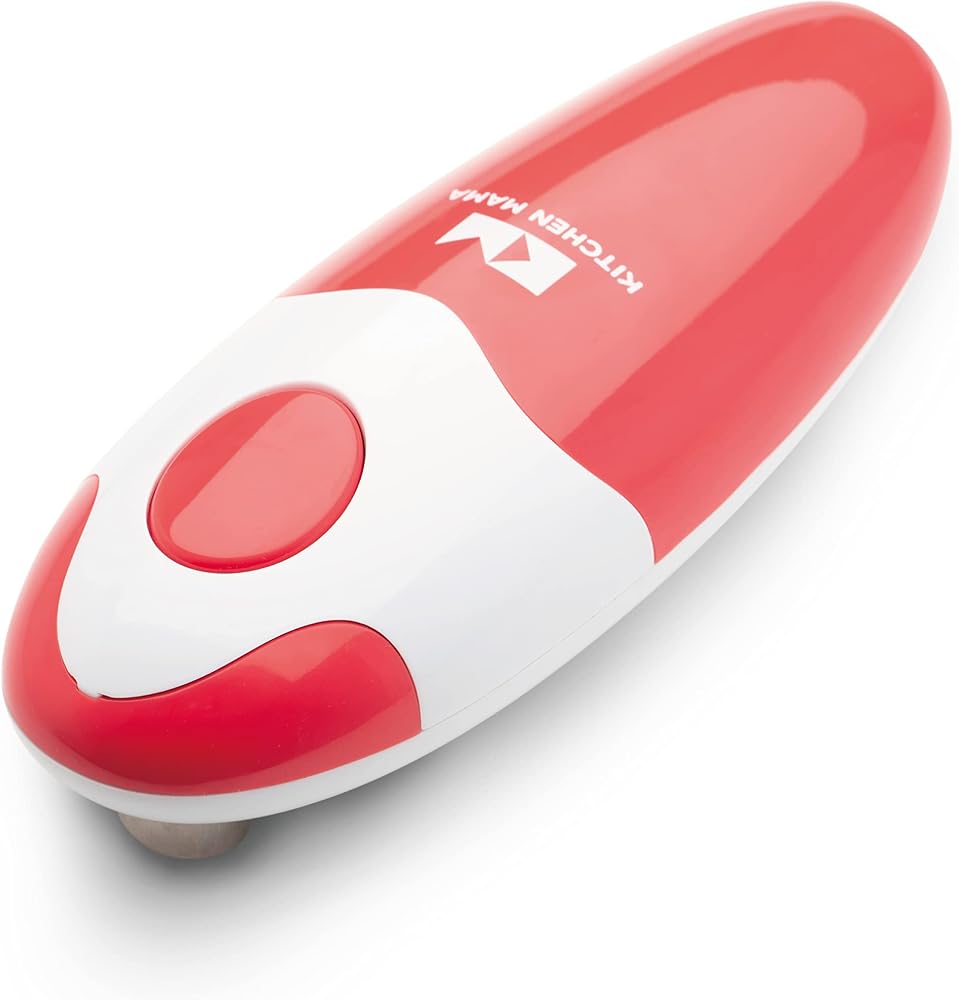
Original Auto for familiar plain food cans: Kitchen Mama Auto Electric Can Opener Battery Operated Red
The original red Auto uses four AA alkaline cells and a press to start and then a second press to stop. Kitchen Mama excludes sloped-edge soda cans in its original Auto FAQ. Consider this model if it fits your ordinary pantry tins and you are comfortable with that stop action.
View on Amazon (opens in a new tab)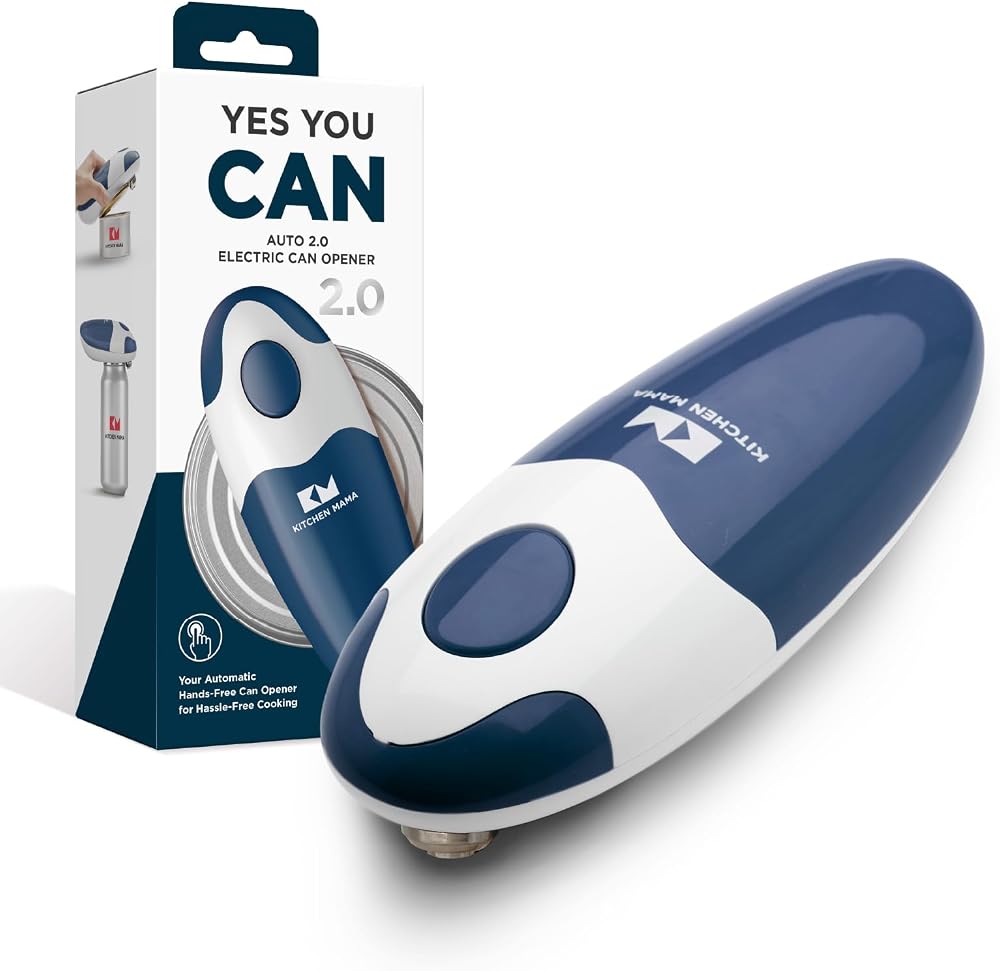
Auto 2.0 for additional documented can shapes: Kitchen Mama Auto 2.0 Electric Can Opener Cordless Navy Blue
Kitchen Mama describes its updated blade and help lifting stubborn lids. The navy Auto 2.0 still uses four AA alkaline batteries and the separate stop press. Buying it changes fit and removal options, while keeping the battery and basic button routine.
View on Amazon (opens in a new tab)Orbit One for a different control and power system: Kitchen Mama Orbit One Rechargeable Electric Can Opener, Red
Kitchen Mama lists USB-C charging, automatic stop and #10 support on the Orbit One page. It is a separate model, not the Auto 2.0. Read the blade and can selection directions before using it on a new container.
View on Amazon (opens in a new tab)- Original Auto operating and fit FAQ.
- Auto 2.0 blade, power and lid feature.
- Orbit One power, controls and #10 capacity.
What stays the same when you upgrade
On both Auto designs discussed here, the can stays on a worktop while you position the cutter. Press the control to start and remain at the counter so you can follow the stop procedure. If keeping one hand free is the priority, check how you will lift off the opener and dispose of the lid. The one-handed comparison walks through those actions separately. Switching to the 2.0 does not remove the need to press the button again.
The battery requirements are the same. If you find it difficult to open a battery door or obtain four fresh cells, the 2.0 leaves that problem in place. Instead, compare the action of connecting a charge cable and make a plan for storing or charging the tool. Our replaceable versus rechargeable comparison covers that decision. For an overview of stop controls across several brands, see the electric opener roundup.
Decide whether an upgrade will change dinner
Keep track of the two or three lids that most often interrupt cooking. If they are ordinary food cans and your current Auto cuts them well, you already have the mechanism you need. If a particular can no longer fits, make sure you have the same shape in mind when you read the 2.0 instructions. Tins that share a brand or have the same volume can still have different tops. If a tall or oversized can is the reason you are shopping, use the large-can comparison to check documented compatibility rather than assuming newer means larger.
Think about what you do after the motor stops. If you struggle to lift a sticky lid, compare the 2.0 lid assistance. If you struggle because you forget to stop the motor, look at a model whose instructions specify automatic stop. If the whole tool is awkward to position, compare a fixed station. Our Kitchen Mama and Cuisinart comparison explains how a countertop head and lever change the lift and release sequence.
Before you pay for a second opener
If the first-generation tool is still in your kitchen, read the label on it before using the seller photo to decide which model you own. Look for the model or variant in the original instructions or order record. Then compare the three features separately: the can shapes your current model handles, the way it stops, and the way it frees the lid. If the seller says the newer product is automatic, look for the actual run and stop sequence rather than assuming that a single start button means there is no second action. That check is particularly important when the page mixes several generations and finishes in one listing.
For example, someone who opens a plain tin most nights and rarely uses beverage cans may find little reason to keep two versions. A cook who wants the documented soda can fit has a more concrete reason to compare the 2.0. A separate situation is somebody who already finds the Auto easy to place but wants the motor to stop by itself. They should look at the Orbit One specifications rather than buying the 2.0 for a control change it does not offer. Pick the relevant use case and compare it with what the exact listing says.
Check the packaging as well as the body. The 2.0 listing should identify the model and published blade features, not just show a color you have not seen before. If you shop for Orbit One because of a particular large can, consult the blade-selection directions and compare the exact rim before buying. Having interchangeable blades does not make them interchangeable in the middle of a cut. Set up the appropriate parts before placing the tool on an intact compatible can, and use that model’s stop and release steps.
Budget for what gets the tool working at home. Both Auto versions need the same specified set of batteries, so moving from one to the other does not change what you should keep in the drawer. If you switch to Orbit One, decide where the charger and any spare blade will be stored. The initial purchase price is only useful in relation to those details and to the cans you need to open. Check available return terms if compatibility for one important shape remains uncertain.
Finally, keep a photo of the closed tin and its rim when asking a seller or manufacturer about fit. A statement that an opener handles most cans is less useful than an answer about the model and shape you actually buy. That small check can prevent paying for an upgrade and facing exactly the same problem at dinner.
Frequently asked questions
Does the Auto 2.0 use a charging cable?
The maker specifies four AA alkaline cells. Orbit One is the separate USB-C rechargeable model.
Does the Auto 2.0 stop automatically?
Its product directions describe separate start and stop presses.
What can shape changed in the 2.0 listing?
Kitchen Mama includes soda cans among the additional types the new blade supports. Confirm the exact rim you use.
Does the Auto 2.0 open #10 cans?
Do not assume that from its name. Kitchen Mama explicitly documents #10 support for Orbit One.
Should I upgrade if my current Auto opens my usual tins?
Keep it unless you need a documented new feature, such as a supported can shape or the sticky-lid removal aid.
The final decision
Keep the first-generation Auto if it works on your regular tins and you are comfortable with the second press. Choose the 2.0 for a documented fit or lid-release difference. Consider Orbit One only if its power system, controls or supported sizes justify a separate purchase.