As an Amazon Associate we earn from qualifying purchases.
The short answer
Choose replaceable batteries if you can get the specified cells and want to restore power without waiting for a charge. Choose a rechargeable opener if you have a convenient place to charge it and would rather connect a cable than open a battery compartment. Both designs are cordless while you cut. Before you buy, compare the power routine separately from how the tool starts, stops and fits the can. A rechargeable model may offer a different blade or stop control, but those features belong to the model, not to rechargeable power itself.
What happens when the power runs out
For a tool with replaceable cells, look for the type and count in the manual. The original Kitchen Mama Auto and the Auto 2.0 are both specified for four AA alkaline batteries. That can be convenient if you can keep a full spare set on hand. It is less convenient if the battery door is hard to open or if changing cells requires help. Check the photos or instructions for where the cover slides, how the cells sit and whether you can put the tool on a stable surface while you work on the compartment.
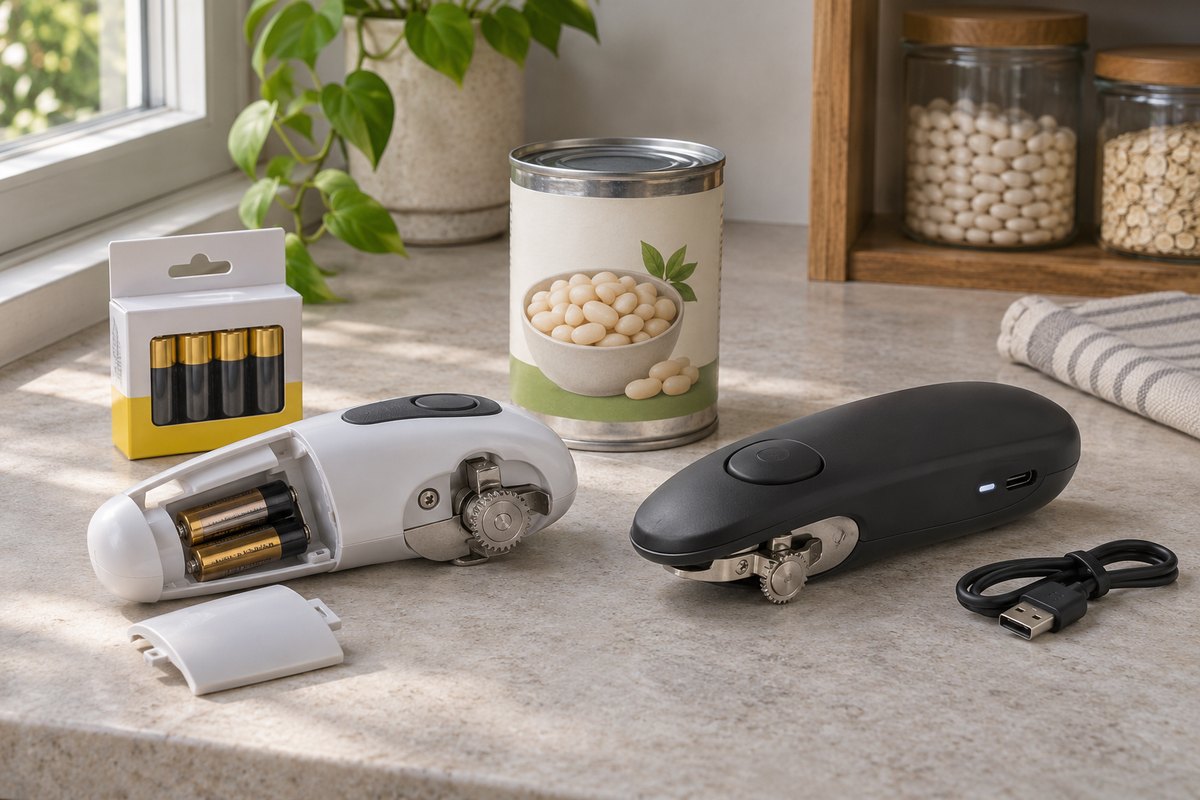
With an internal battery, find out what cable and power source the maker specifies and where the charging port is. The red Kitchen Mama Orbit One uses USB-C charging. Checking the connector is one thing; having a clear place to connect the cable and leave the tool until it is ready is another. If you do not keep a cable where the opener lives, give it a spot before you depend on the device. A charge indicator is useful only if you can see it and know what it means. Read the exact model instructions rather than assuming a charger is included or that the opener can be operated while charging.
If the opener runs out of power halfway around a can, start with its release instructions. A battery door or charging socket should not be the first thing you reach for while the tool is still attached to a partly cut rim. Set the tin down and keep fingers away from the cutting parts. Use the incomplete-cut guide to separate an interrupted cut from a lid that has fully detached.
| Model | Power | Stop control |
|---|---|---|
| Kitchen Mama Auto | 4 AA alkaline | Second press |
| Kitchen Mama Auto 2.0 | 4 AA alkaline | Second press |
| Kitchen Mama Orbit One | Internal USB-C rechargeable | Automatic stop per manual |
Compare three models without confusing their blade and battery features
We used the manufacturer's published power and operating details and the Orbit One instructions for the red variant. We did not time the chargers, count cuts per battery set or measure standby loss. Those limits matter if you plan to open many cans away from home. For the comparisons below, treat the power requirements, stop control and published fit as separate decisions.
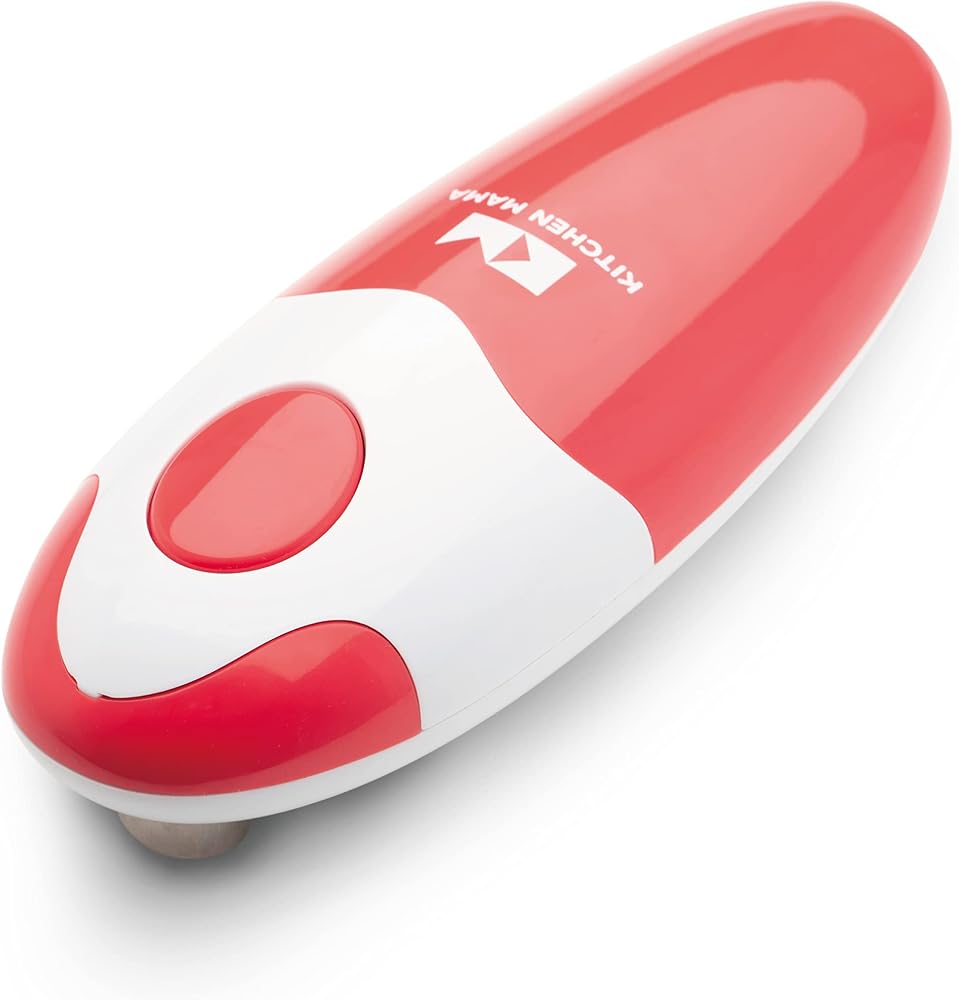
Kitchen Mama Auto: Kitchen Mama Auto Electric Can Opener Battery Operated Red
Choose the original Auto if its rim guidance fits your tins and you prefer swapping a complete set of cells. The maker describes pressing to start and pressing again to stop.
View on Amazon (opens in a new tab)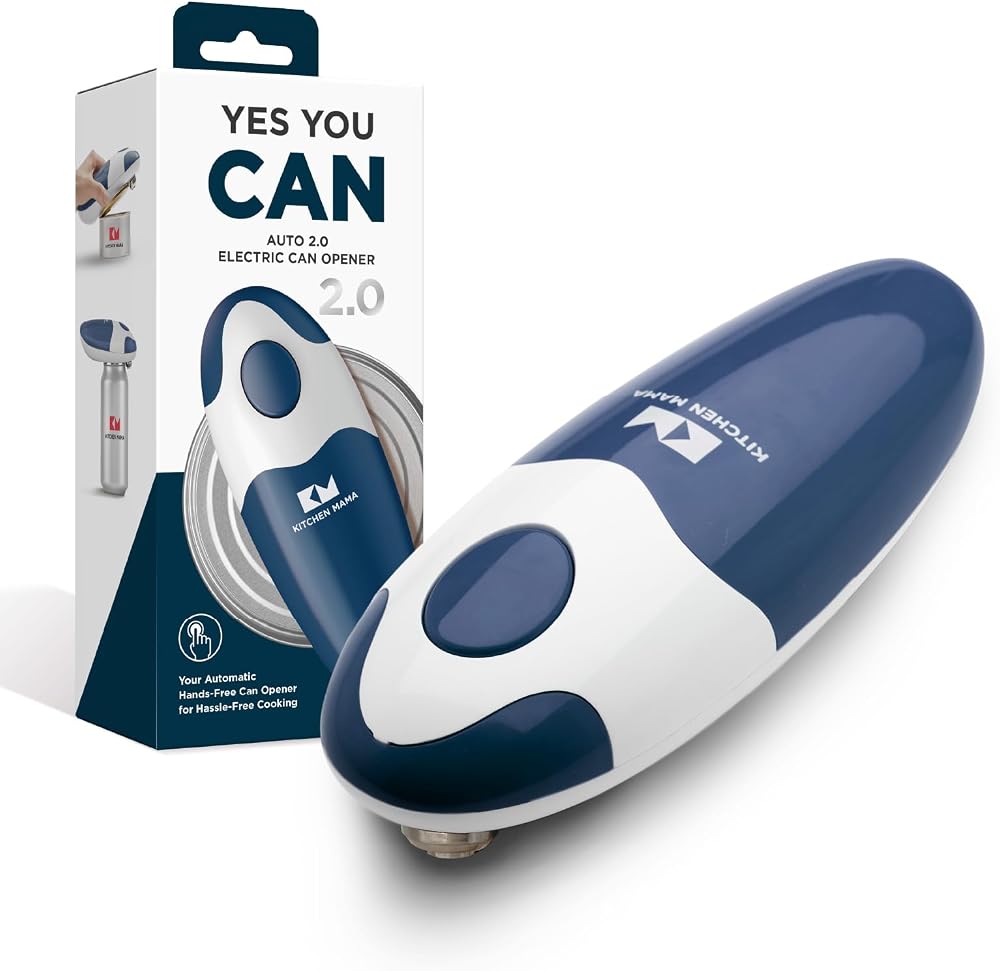
Kitchen Mama Auto 2.0: Kitchen Mama Auto 2.0 Electric Can Opener Cordless Navy Blue
Auto 2.0 is another removable-cell model. Consider it when you need one of the additional can shapes the manufacturer specifies. It still uses separate presses to start and stop, so it does not change the battery routine.
View on Amazon (opens in a new tab)Kitchen Mama Orbit One: Kitchen Mama Orbit One Rechargeable Electric Can Opener, Red
This red variant uses USB-C charging and its instructions describe automatic stop. Kitchen Mama also lists #10 can support for Orbit One. Automatic stop and rim compatibility are separate differences from the way it gets power.
View on Amazon (opens in a new tab)- Original Auto power and controls.
- Auto 2.0 product details.
- Orbit One product details and red Orbit One instructions.
Assess the power routine around real use
For a kitchen that opens one tin a week, a full spare set can fit in a labeled battery case and be ready when needed. Put it where the cook can find it without looking through a general electronics drawer during meal prep. Follow the manufacturer directions on cell chemistry, polarity and storage. Keep loose cells away from metal utensils. If another person changes the batteries, make a note of the model and where to find the manual. For models using replaceable cells, the battery opener selection guide goes deeper into door access and stop controls.
A rechargeable tool fits better when it gets used often and has a place to charge. For example, you might check its charge while laying out ingredients for a batch meal rather than discovering that it needs power after dinner has started. Consider who handles that routine. A person may prefer plugging in a cable and find a small connector difficult to align with the port. Another may prefer rotating a battery door off the tool at a table. Compare both actions before assuming either is simpler for everyone who uses the kitchen.
For a camper or vacation kitchen, work backward from the first meal that needs a plain tin. A removable-cell opener offers an immediate swap if you have the right spare set. A rechargeable opener is useful if you can charge before leaving home and know what power will be available at the site. If neither plan is reliable, pack a meal with a familiar easy-open package. Our camping and RV guide covers where to store the tool and plan that fallback.
Check whether you need a different control at all
If your main frustration is reaching the stop button, a four-AA tool and a rechargeable one can still have different controls. Check what the exact unit does at the end of the cut, then plan how you will lift it away. For someone who opens tins with one hand, that placement and removal sequence may matter more than where the battery is. The one-handed guide sets out those steps. If you mainly want to avoid replacing or charging a battery, a plug-in machine is also worth comparing provided you can bring the can to its opening head. See the corded versus cordless comparison for those trade-offs.
Compare the replacement plan as well as purchase price
Use the exact prices from the sellers you are considering, then list what you will need to start using each opener. For the removable-cell models that includes four compatible cells unless the listing supplies them. With a rechargeable model, check what cable is included and what power source you already own that meets the instructions. Decide whether you would store a spare set or leave a cable in a permanent spot. A higher purchase price is worth comparing against the recurring cost of cells, but the number of times you use the tool matters more than any generic savings estimate.
Look beyond the first power change. Ask what the manufacturer recommends if an internal battery no longer holds a useful charge. Check the service or warranty terms for the exact model; do not assume the battery is user-replaceable. If the opener uses removable cells, inspect where the door sits and how it locks. A replaceable power supply is only practical if the compartment remains usable. Those are different maintenance issues, and neither can be settled by counting how many cans a promotional claim says the tool will open.
For a tool you use only occasionally, choose a reminder that fits the kitchen. You could check the charge while taking out the ingredients, or check the spare set when adding cans to the grocery list. Do not leave the opener connected indefinitely unless its instructions allow it. If obtaining power is unpredictable and the recipe can use a package you already open comfortably, that alternative is useful no matter which battery system you choose.
Finally, check whether the model you are paying for supports the biggest tin you plan to use. The large-can buying guide puts the Orbit One alongside other ways to work with verified oversized cans. Do not pay for a different power system just to solve a fit problem that the new tool does not document.
Frequently asked questions
Is Auto 2.0 a rechargeable can opener?
The manufacturer specifies four AA alkaline batteries. Orbit One is the internal rechargeable model compared here.
Does rechargeable power guarantee an automatic stop?
No. Orbit One documents automatic stop. Check the exact instructions for other models.
What if I cannot open a battery door easily?
Compare a rechargeable model and check how you will plug in its cable. A fixed corded opener is another option if the working position suits you.
Which lasts longer between power changes?
There is no comparable runtime test here. Check the exact model specification and plan around your own use.
Which works better away from an outlet?
Either can work while charged or powered. Replaceable cells are useful if you carry spares. A rechargeable tool needs a way to top up when its charge is depleted.
The final decision
Choose the power routine you can keep up between meals. Keep the standard or 2.0 Auto on the shortlist if a four-cell swap suits you, and compare Orbit One when you can keep it charged and want its documented controls or fit. Before ordering, confirm the model, the package contents and what you would do if the first can stopped halfway through.